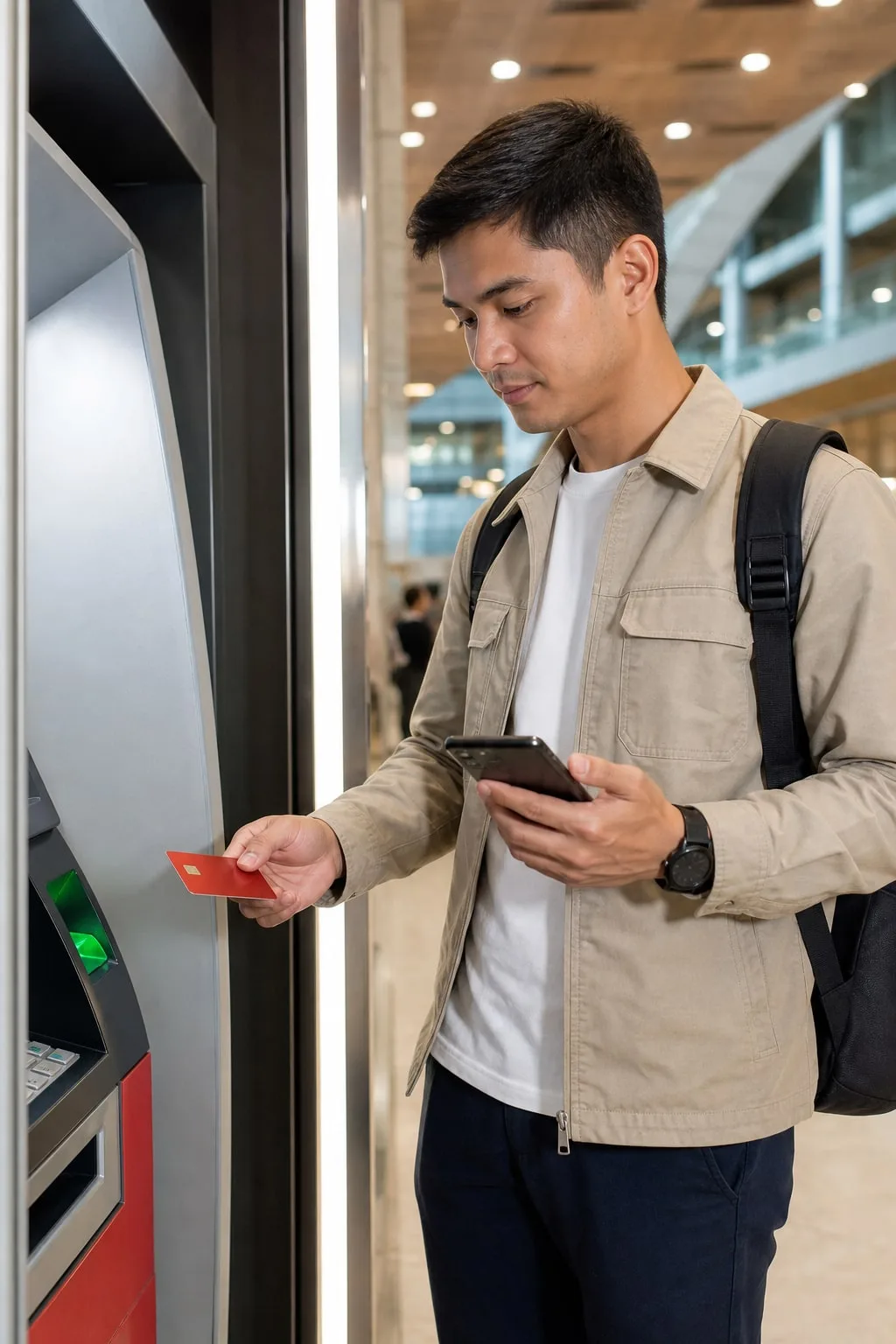
What Filipino users usually check
Physical card PIN matters for ATM and some POS flows. Check activation, PIN setup and failed-attempt limits before relying on cash withdrawal.
PIN safety
Physical card PIN matters for ATM and some POS flows. Check activation, PIN setup and failed-attempt limits before relying on cash withdrawal.
Guide
Confirm the physical card is activated, the PIN is set through the official app flow and the ATM or POS route supports the card. Do not write the PIN on the card or share it with shop staff.
Check balance, fee buffer and ATM operator charges before inserting the card.
Guide
Stop after repeated failed attempts. Too many wrong PIN entries can block card use or create a support case.
Save ATM location, time, amount, terminal message and RedotPay card status. If cash was not dispensed but balance changed, keep the receipt or failed-slip photo.
Next checks
Pick the closest next check before you scan, deposit, order a card or contact support.
Physical card PIN matters for ATM and some POS flows. Check activation, PIN setup and failed-attempt limits before relying on cash withdrawal.
Updated 2026-07-10. Recheck the live RedotPay app before moving money.
Do not assume GCash, Maya, local bank or PHP withdrawal support unless the app shows it.
Card checks
Before using the card for an important payment, compare fees, OTP, merchant rules and support proof. A small test can save a messy declined-payment case.
Official checks
Use official RedotPay materials to re-check availability, fees, KYC, limits, supported networks and support process. This guide is a local checklist, not the final authority.
FAQ
For ATM and some POS use, yes. Check the current RedotPay app flow and physical card instructions.
Stop repeated attempts and save the ATM message, time, amount and card status before contacting support.
Before you continue
Verify the app source and never share OTP, password, card details or remote access through private chat.
Verify the app source and never share OTP, password, card details or remote access through private chat.
Before using the card
Read RedotPay card activation Philippines, then test card acceptance, OTP and refund behavior before using RedotPay for an important payment.