
Simple PH explanation
Think app balance, card use, KYC and crypto funding, then check if the exact feature fits your peso flow.
For first-time users
RedotPay is usually searched as a card and app-based payment tool. For PH users, the real question is whether it fits your peso payment flow.
Guide
Think of RedotPay as a payment account and card experience inside an app. Users commonly look at it for online payments, a virtual card, a physical card, crypto funding and local payment features such as QR Ph where available.
It should not be treated like a Philippine bank account or a promised cash-out tool. Always compare the exact screen in the app with official RedotPay documentation.
Next checks
Pick the closest next check before you scan, deposit, order a card or contact support.
Think app balance, card use, KYC and crypto funding, then check if the exact feature fits your peso flow.
Do not treat RedotPay like a Philippine bank or automatic GCash/Maya wallet.
Official app screens and Help Center notes should guide every money movement.
Next PH checks
Check the related guide before signing up, depositing, scanning, withdrawing or contacting support. Most mistakes happen when one step is checked alone.
Official checks
Use official RedotPay materials to re-check availability, fees, KYC, limits, supported networks and support process. This guide is a local checklist, not the final authority.
FAQ
Do not treat it as a local Philippine bank. Treat it as a fintech payment product with its own KYC, fees, limits and support process.
Anyone planning to deposit crypto, use a card for recurring payments, scan QR Ph or withdraw cash should read the fee and support pages first.
Before you continue
Check balance, rate, fee and status before confirming a payment or deposit.
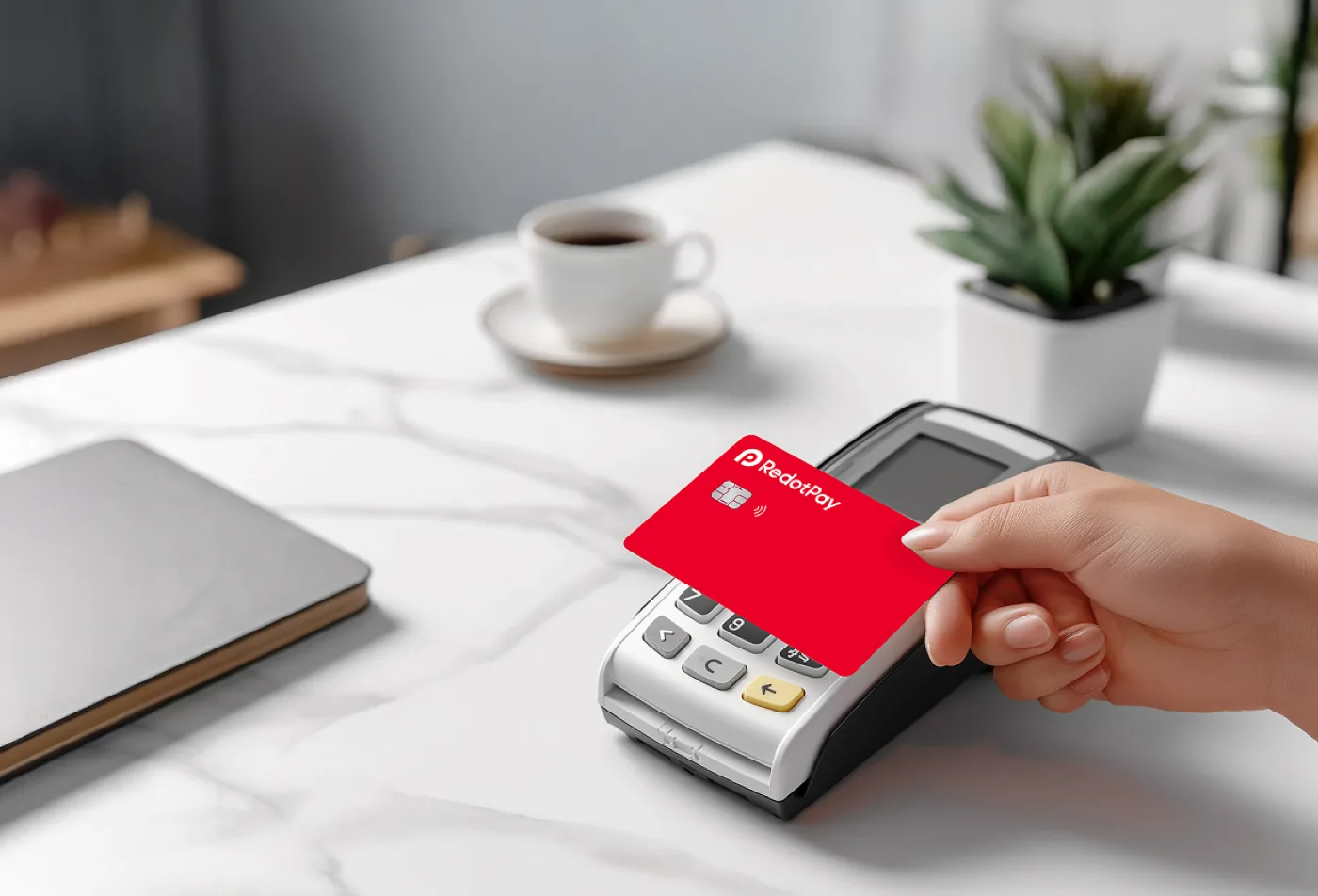
Check balance, rate, fee and status before confirming a payment or deposit.
Before you continue
Continue with Paano gamitin ang RedotPay, then confirm the same details inside RedotPay before depositing or paying.