What Filipino users usually check
QR Ph, often written QRPh, is one of the key local-payment questions in the Philippines. Check the RedotPay app, PHP amount, merchant details and status before confirming.
Local QR payments
QR Ph, often written QRPh, is one of the key local-payment questions in the Philippines. Check the RedotPay app, PHP amount, merchant details and status before confirming.
Guide
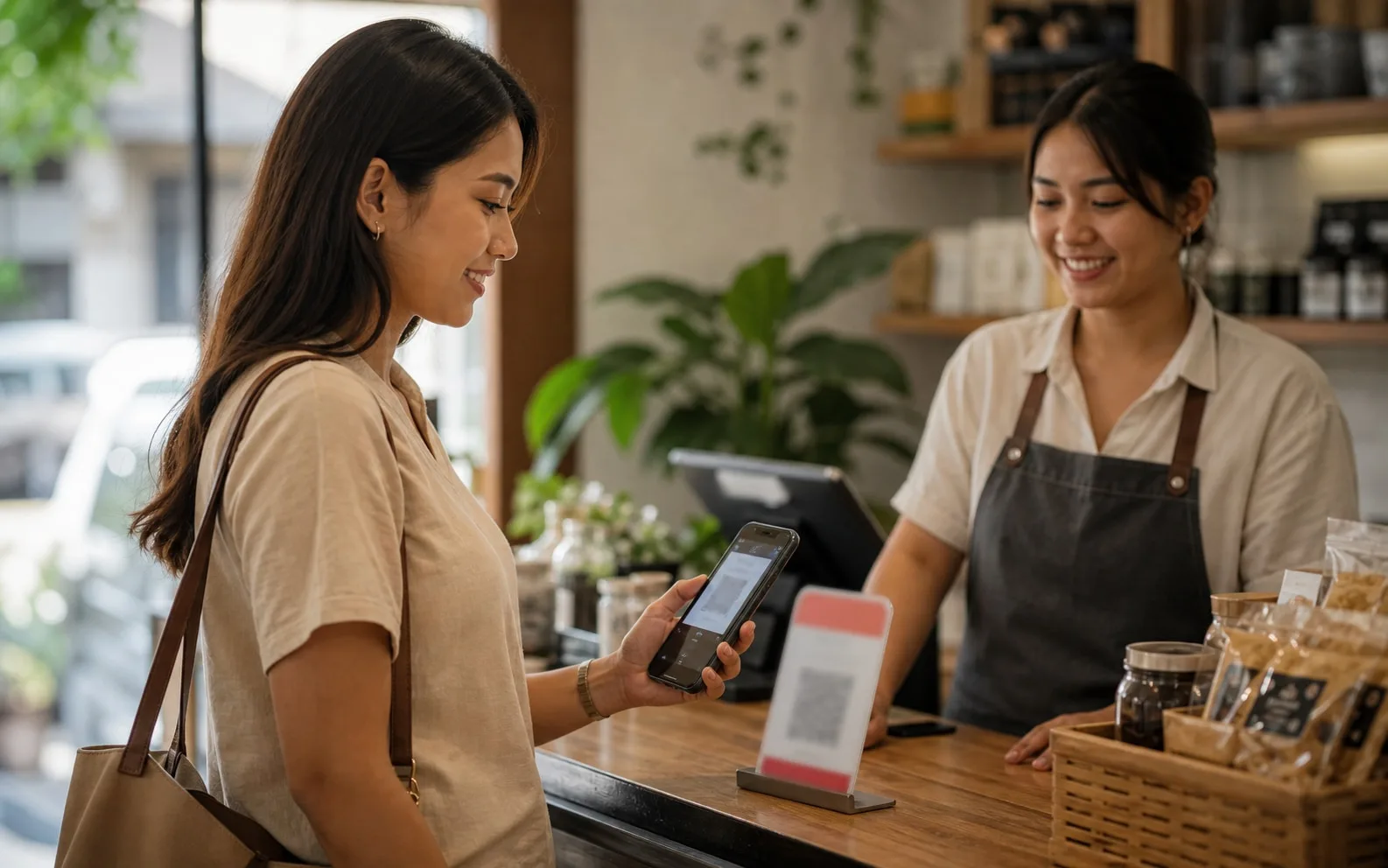
Open the RedotPay app, choose the scan or QR payment flow if available, scan the merchant QR, check the PHP amount, merchant name, rate/fee and status, then confirm only if everything matches.
If the transaction is processing, do not scan repeatedly. Multiple attempts can create duplicate charges or confusing refund cases.
Guide
RedotPay has published Instant QR Payments help material for the Philippines showing QRPh payments and a 1 PHP to 50,000 PHP single-transaction range. Some receiving-bank fee screens may show a fixed PHP fee, so still check the app and Help Center before paying.
If a merchant has not received payment, save the time, amount, merchant name and app status before contacting support.
Next checks
Pick the closest next check before you scan, deposit, order a card or contact support.
QR Ph, often written QRPh, is one of the key local-payment questions in the Philippines. Check the RedotPay app, PHP amount, merchant details and status before confirming.
Updated 2026-07-10. Recheck the live RedotPay app before moving money.
Do not assume GCash, Maya, local bank or PHP withdrawal support unless the app shows it.
PH payment checks
For GCash, Maya, QR Ph and PHP questions, verify what the app actually supports before treating a local wallet habit as a confirmed RedotPay route.
Official checks
Use official RedotPay materials to re-check availability, fees, KYC, limits, supported networks and support process. This guide is a local checklist, not the final authority.
FAQ
RedotPay official materials have listed QR Ph or QRPh under Instant QR Payments. Re-check the Help Center and app before relying on it.
Do not repeat the same payment immediately. Save proof, wait for status updates, then contact official support if needed.
Before you continue
Compare wallet, card, ATM and local bank expectations before moving funds or trusting a third-party route.

Compare wallet, card, ATM and local bank expectations before moving funds or trusting a third-party route.
Before cash-out assumptions
Use RedotPay scan QR Philippines to separate official support from common PH wallet expectations around GCash, Maya and local banks.