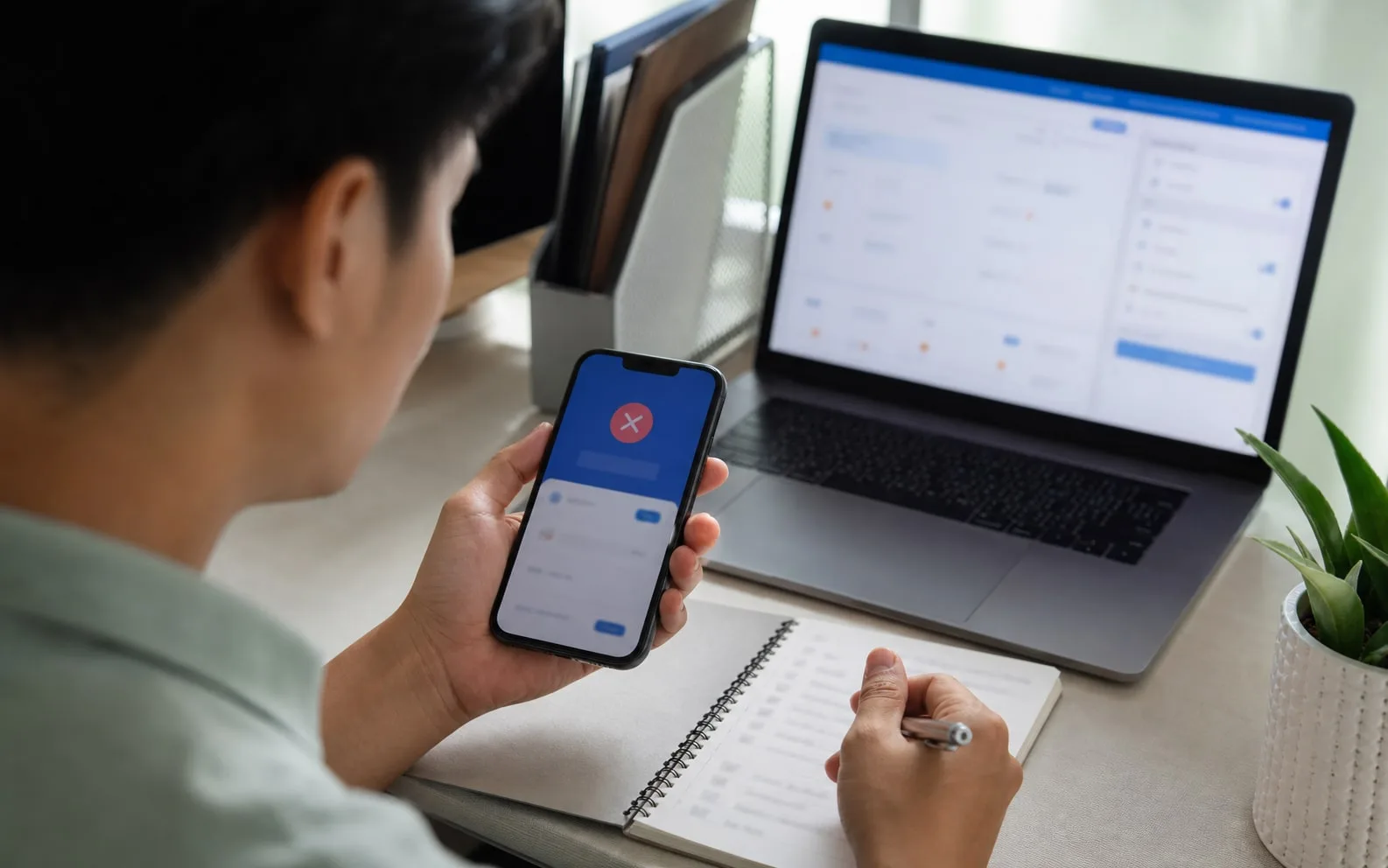
Recipient identity matters
Check email, phone, UID or recipient QR before confirming.
Internal transfer
Internal transfer is for sending supported balances to another RedotPay user, not to a Philippine bank or e-wallet.
Guide
For Filipino users, Send to RedotPay user means an internal app transfer between two RedotPay accounts. It is not the same as QR Ph, GCash, Maya, bank withdrawal or P2P with an outside payment.
The RedotPay flow can use recipient email, phone number, UID or QR code. Double-check the person and amount before confirming. Maling UID can become a permanent mistake.
Guide
Official rules describe internal transfers as currently free and typically instant, but you still need to check current limits and supported balances in the app.
If the transfer does not arrive, save sender account, recipient details, amount, time, status and screenshots before contacting support.
Next checks
Pick the closest next check before you scan, deposit, order a card or contact support.
Check email, phone, UID or recipient QR before confirming.
Official rules say both payer and payee must complete identity verification.
Internal transfers cannot be reversed after completion.
PH payment checks
For GCash, Maya, QR Ph and PHP questions, verify what the app actually supports before treating a local wallet habit as a confirmed RedotPay route.
Official checks
Use official RedotPay materials to re-check availability, fees, KYC, limits, supported networks and support process. This guide is a local checklist, not the final authority.
FAQ
If both accounts are verified and the app allows the selected balance, internal transfer is the relevant RedotPay user-to-user flow.
No. Official guidance says completed internal transfers cannot be reversed, so confirm recipient details before sending.
Before you continue
Check QR Ph merchant name, PHP amount, fee, rate and status before confirming a payment.
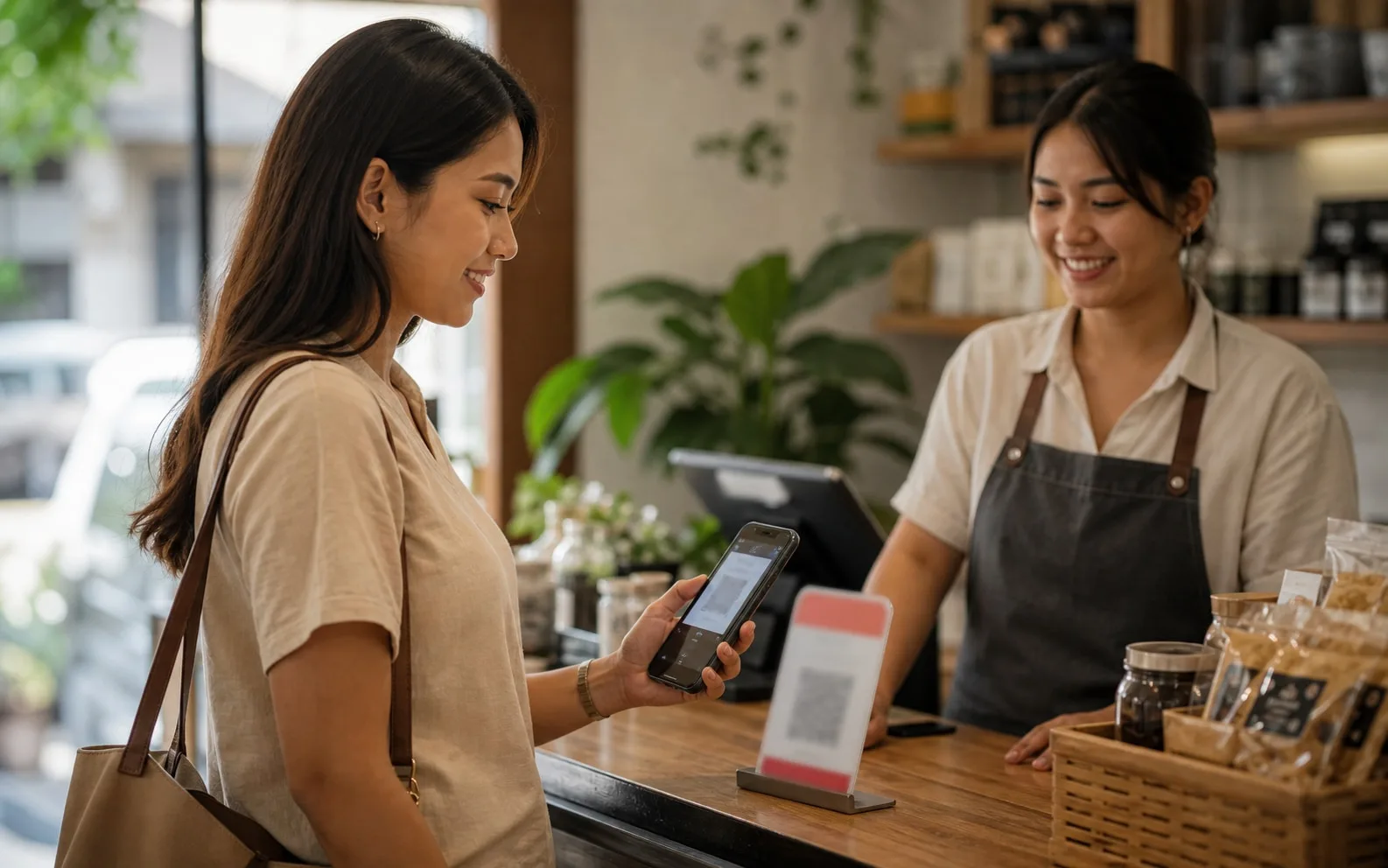
Check QR Ph merchant name, PHP amount, fee, rate and status before confirming a payment.
Before cash-out assumptions
Use RedotPay P2P Philippines to separate official support from common PH wallet expectations around GCash, Maya and local banks.