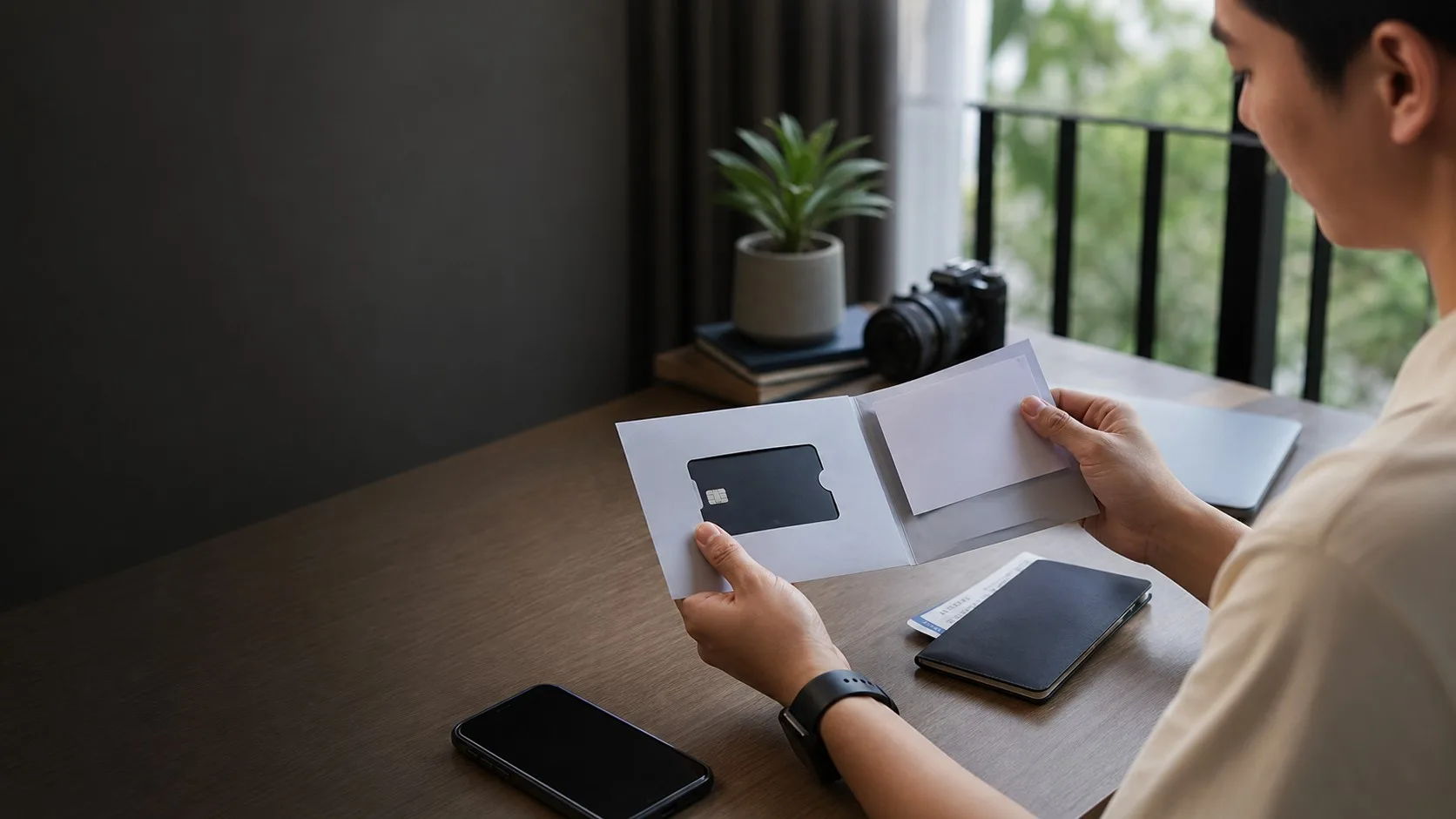
What Filipino users usually check
International payment is about more than having a card. Check merchant region, FX, 3DS and refund handling first.
Cross-border payment
International payment is about more than having a card. Check merchant region, FX, 3DS and refund handling first.
Guide
Check whether the merchant accepts prepaid or international cards, then review FX, final amount, 3DS/OTP, refund policy and account limits.
If the merchant is important, do a smaller test before a high-value payment.
Guide
Save merchant error, time, amount, currency and RedotPay app status. Do not retry many times at the same merchant without understanding the decline.
For travel, keep another payment method ready.
Next checks
Pick the closest next check before you scan, deposit, order a card or contact support.
International payment is about more than having a card. Check merchant region, FX, 3DS and refund handling first.
Updated 2026-07-10. Recheck the live RedotPay app before moving money.
Do not assume GCash, Maya, local bank or PHP withdrawal support unless the app shows it.
Card checks
Before using the card for an important payment, compare fees, OTP, merchant rules and support proof. A small test can save a messy declined-payment case.
Official checks
Use official RedotPay materials to re-check availability, fees, KYC, limits, supported networks and support process. This guide is a local checklist, not the final authority.
FAQ
It depends on card status, merchant rules, FX, account limits, 3DS/OTP and current RedotPay support.
Check merchant acceptance, final currency amount, fees, refund policy and whether OTP will arrive.
Before you continue
Verify the app source and never share OTP, password, card details or remote access through private chat.
Verify the app source and never share OTP, password, card details or remote access through private chat.
Before using the card
Read RedotPay travel card Philippines, then test card acceptance, OTP and refund behavior before using RedotPay for an important payment.